Dévers

Available on iPhone and Android

Every send counts.

Your gym, its boulders, your attempts, your crew. Everything in one place, and a record of every session, from the first attempt to the send.

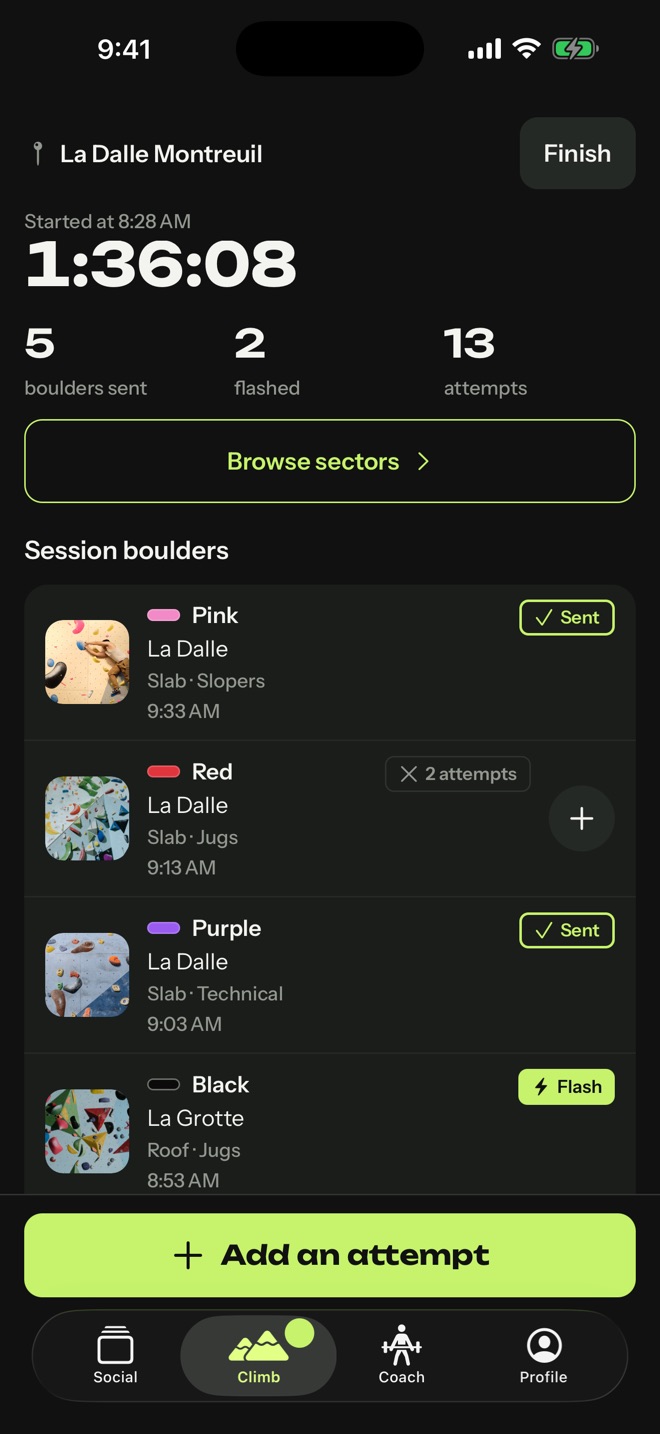
A running session in Dévers: timer, boulders sent and attempts
Flash!Pink · Overhang
Sent in 3 attemptsRed · Slab

The app

Everything happens at the wall

01

Gyms

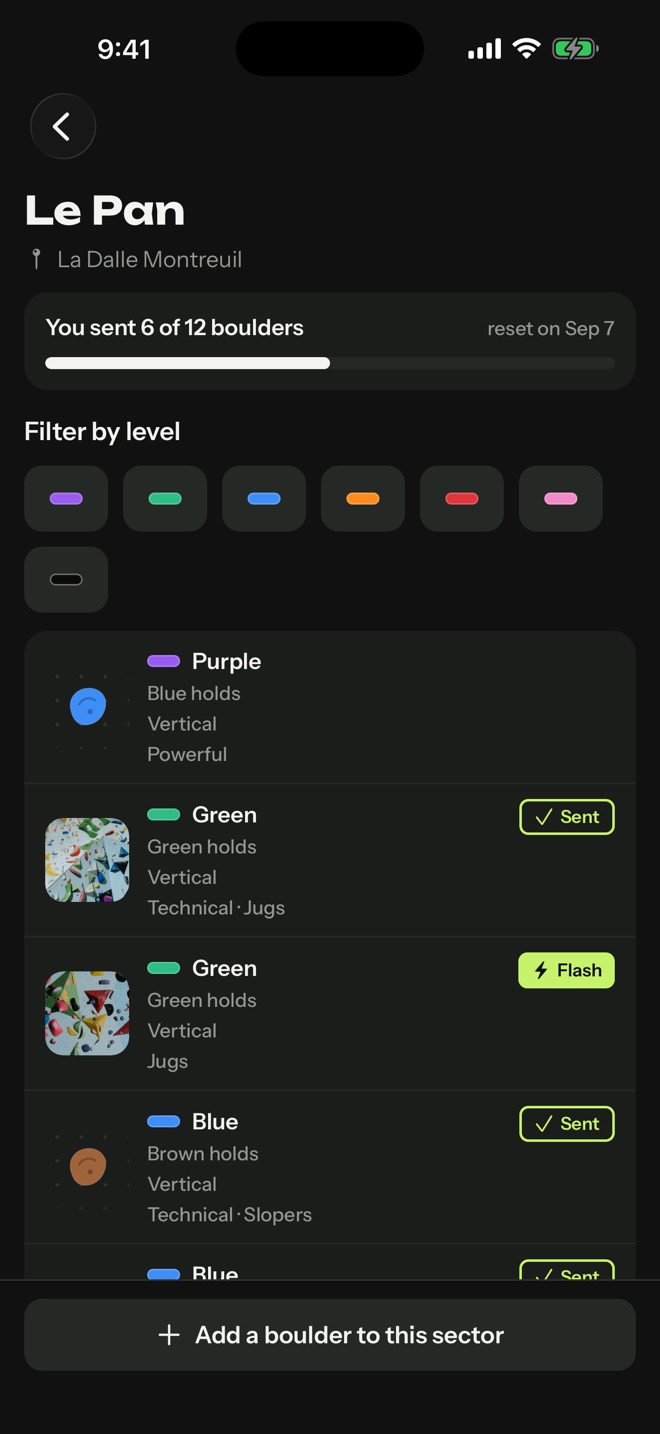
Your gym, wall by wall

Find the sectors and boulders of your gym, or add the ones that are missing. Each boulder is described by its level, its hold color and its incline. The whole community fills in the database and keeps it alive.

  • Find gyms, sectors and boulders near you
  • Add and complete boulders with other climbers
  • Every change is kept in the history
A sector of a gym and its boulders in Dévers
02

Logbook

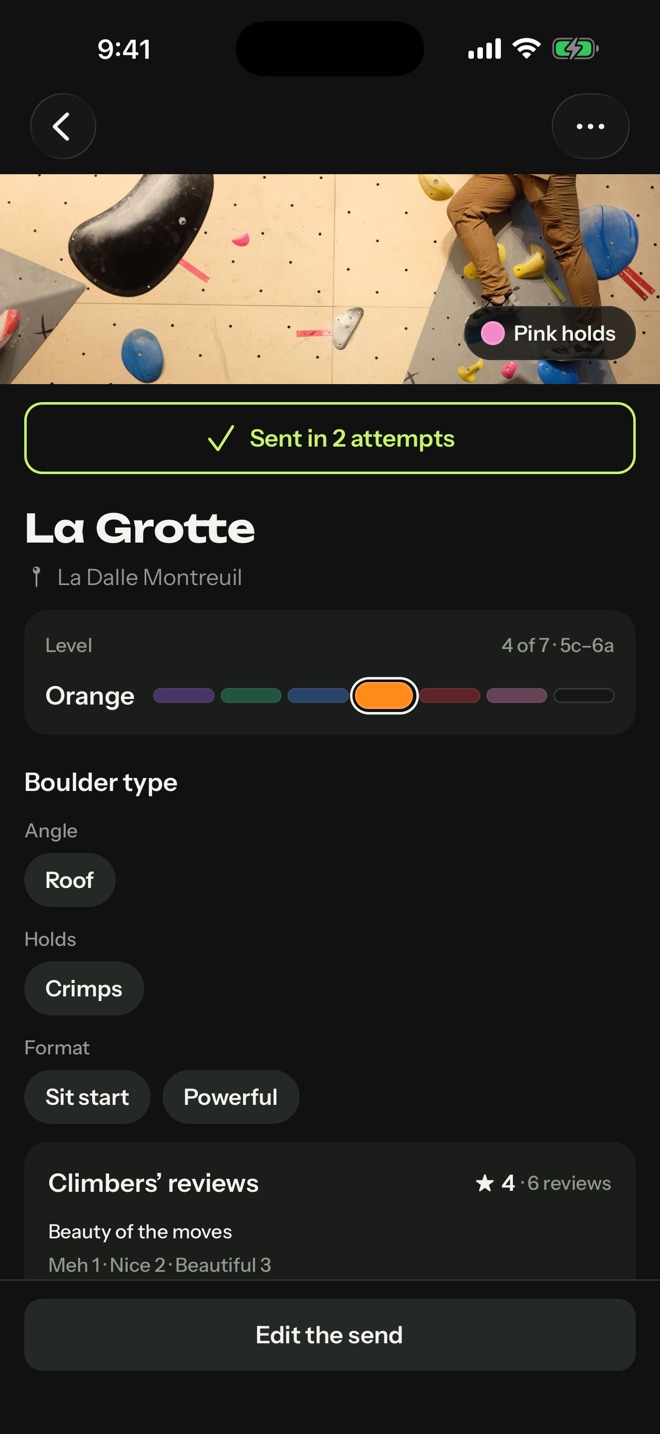
Every attempt counts

Start your session when you get to the gym and log your boulders as you climb. Flash, failed attempt, project or send: every try has its place in your logbook.

  • Flash, sent in N attempts, failed attempt or project
  • Add how each boulder felt
  • Your attempts and sends stay in your logbook, even after the boulder is taken down
A boulder in Dévers: level, holds, type and climbers’ reviews
03

Community

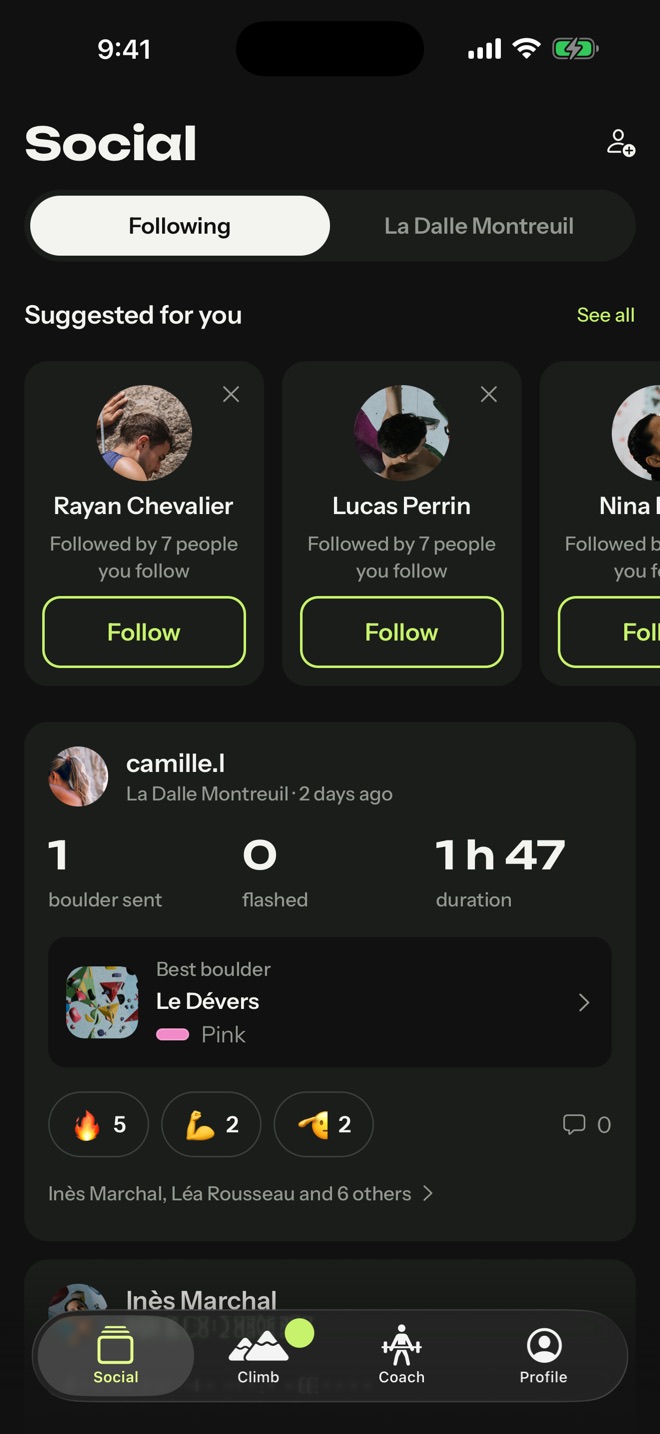
Climbing is better shared

Follow the sessions of your friends and the climbers from your gym. Talk about your boulders, share your beta and give each other tips. Because one good tip at the foot of the wall can change everything.

  • Share your beta and tricks, swap tips
  • React to and comment on the community’s sessions
  • You choose who sees your sessions: “Everyone”, “My followers” or “Only me”
The Dévers feed: friends’ sessions and suggestions

Grades

A red is not always a red

The same level can hold surprises depending on the gym and the boulder. See the circuit level, check what other climbers think and give your own feeling. Because we don’t all read a good old red overhang the same way.

Gym level

6a–6b at this gym

Red

Climbers’ opinion

24 votes

Easy
Medium
Hard
Very hard

Your feeling

EasyMediumHardVery hard
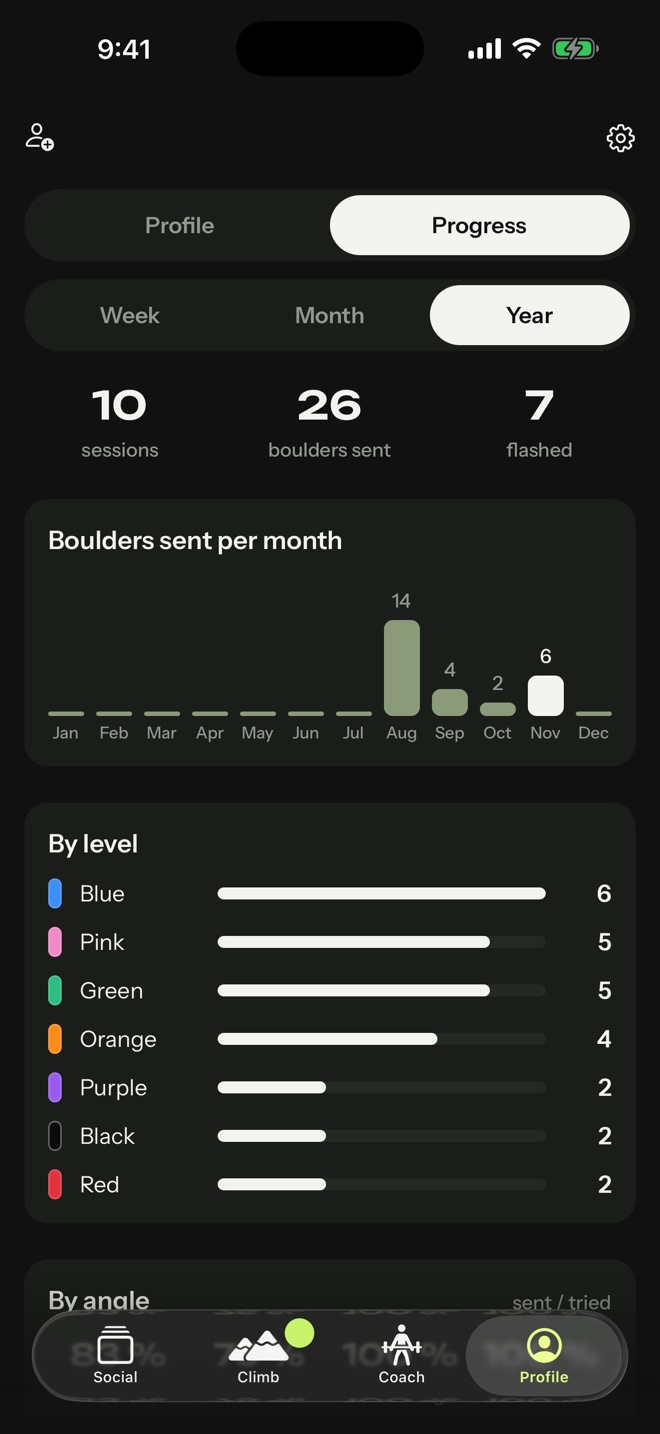
Progress in Dévers: boulders sent per month, by level and by incline

Progress

Track your progress for real

How many boulders did you send this week, this month or this year? See your progress by level and by incline, and the hardest level you sent at your gym.

42boulders sent
12flashes
15sessions

FAQ

Questions before you lace up

Is Dévers free?

Yes, Dévers is free. You can log your attempts, add boulders, follow your friends and look back at your sessions.

My gym isn’t in the app. What do I do?

Add it yourself in a few seconds: enter its circuit colors, create its sectors and add the boulders. Other climbers can complete and fix the info with you.

Do I need an account?

To log your boulders and keep your logbook, yes. Sign in with Apple or Google, no extra password to remember. You can also browse a demo gym without an account.

Who sees my sessions?

You decide. At the end of a session, you choose to publish it or keep it private. In the settings, set who can see it: “Everyone”, “My followers” or “Only me”.

What happens when a boulder is taken down?

When three climbers report that a boulder was taken down, it goes to the archives. Your attempts, your sends and the comments stay available.

Can I delete my data?

Yes. You can export all your data or delete your account right from the app’s settings.

The next boulder is waiting

Dévers is available on iPhone and Android. Get your shoes ready.